How do I export a data insight to Excel and PDF?
OLIFY lets you export data insights to Excel and PDF for further data processing, reporting, and more.

In Analytics & reports/Data insights, open the data insight you want to export and click "Export". Export is available in two formats: Excel or PDF.
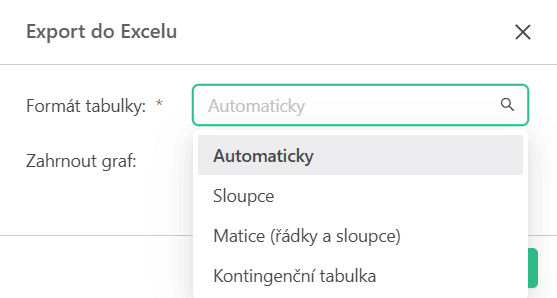
In the dialog, first choose the table format.
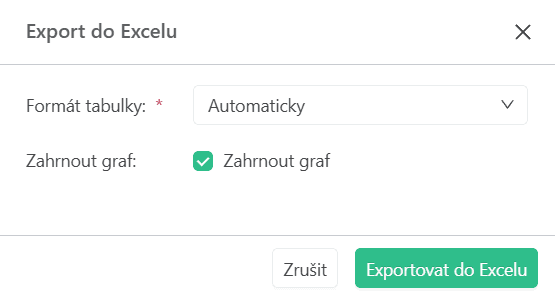
In the next step, choose whether the export should include both the table and the chart. Click "Export to Excel" to export the data.
How do I add a data insight to the dashboard?
For a quick overview of asset and maintenance status and other key metrics, you can add data insights directly to the home dashboard.
Reporting examples
Data insights let you configure reports to fit your needs. Below are several example reports and how to set them up and use them.