How do I add a data insight to the dashboard?
For a quick overview of asset and maintenance status and other key metrics, you can add data insights directly to the home dashboard.
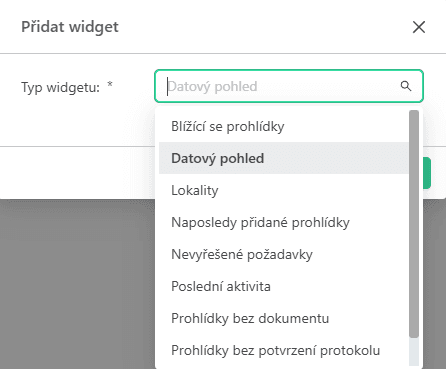
On the Dashboard home screen, click "Add widget" and choose Widget type: Data insight.
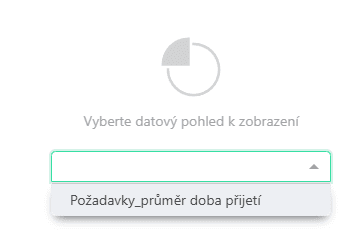
In the next step, choose which data insight you want to show on the dashboard.
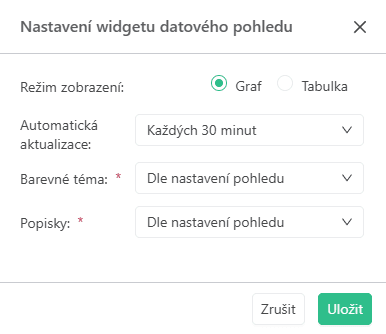
The widget can be customized further through the gear icon. You can choose whether the widget shows a chart or a table, or adjust the color palette and labels.
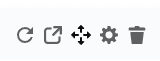
You can also move the widget on the dashboard using the drag handle.
How do I configure a summary metric?
If you want a summary number on the dashboard—for example the total number of assets in a locality or building that do not have completed inspections—you can create a data insight of type "Metric".
How do I export a data insight to Excel and PDF?
OLIFY lets you export data insights to Excel and PDF for further data processing, reporting, and more.